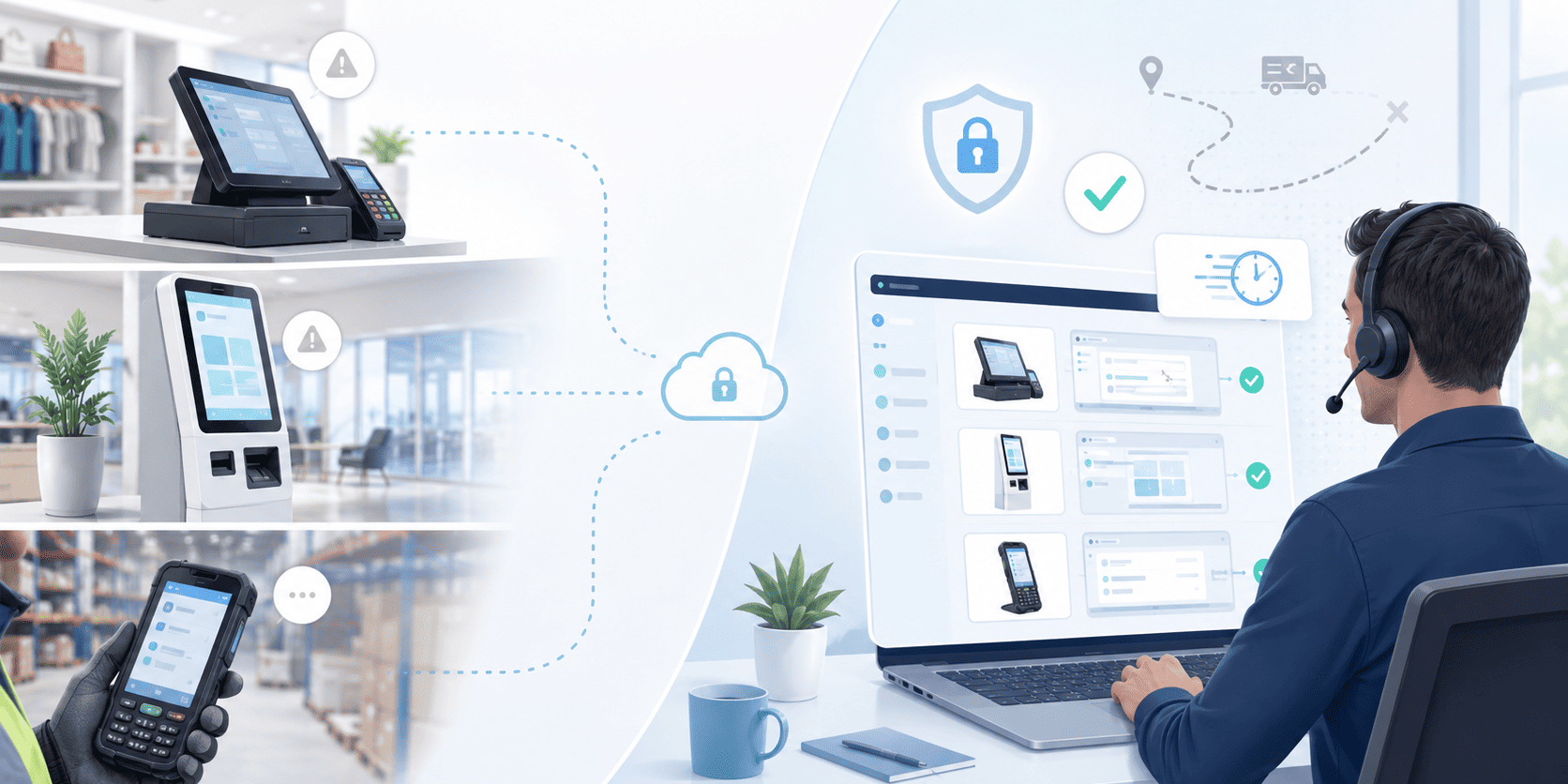
Remote Support for Kiosks, POS and Field Devices: How to Reduce Site Visits Without Losing Control
Not every business-critical device sits on an employee’s desk.
Many organisations depend on devices that are spread across stores, branches, warehouses, reception areas, vehicles or remote sites. These may include kiosks, POS systems, barcode scanners, tablets, rugged devices, digital signage screens or other specialised equipment used in daily operations. When these devices work well, they often go unnoticed. When they stop working, the impact can be immediate.
A frozen POS terminal can slow down sales. A kiosk that is offline can frustrate customers. A scanner that cannot connect properly can delay warehouse operations. A field device with the wrong settings can interrupt an employee’s entire workflow. In these cases, support needs to be fast, practical and controlled.
Why distributed devices are harder to support
Supporting a standard office laptop is one thing. Supporting a device in a shop, warehouse, reception area or remote location is something else entirely. The person using the device may not be technical. The device may not have a keyboard or mouse. It may be locked down for security reasons. It may run a specific application in kiosk mode. It may also be connected to other hardware, such as receipt printers, scanners, card readers or payment equipment. Even simple troubleshooting can become difficult when the IT team is not physically there. This often leads to one of two outcomes: long phone calls trying to guide a non-technical user step by step, or a site visit that costs time, money and productivity. Neither option is ideal.
When remote support can make a real difference
Remote support is not only useful when something is “broken”. It can also help with everyday operational issues that would otherwise take too long to resolve. For example, IT teams may need to restart a frozen application, check device settings, update software, verify a connection, assist a user through a process or confirm whether the issue is software-related before sending someone on site. In retail, this can mean helping a store continue serving customers faster. In logistics, it can mean getting a scanner or tablet back into use before it causes delays. In customer-facing environments, it can mean restoring a kiosk or digital screen before it affects the experience of visitors. The value is not just technical. It is operational. Every issue that can be resolved remotely is one less interruption, one less unnecessary visit and one less delay for the people depending on that device.
Reducing unnecessary site visits
Site visits are sometimes necessary, especially when there is a hardware failure. But many issues do not require someone to travel. A configuration problem, software error, frozen application, missing update, incorrect setting or user access issue may often be reviewed remotely if the IT team has the right level of visibility and control. Remote support allows technicians to connect to the device, see what is happening and take action without needing to be on site. This can significantly reduce response times and help operations continue with less disruption. For organisations with multiple locations, the benefit becomes even clearer. Supporting ten, fifty or hundreds of distributed devices manually can quickly become inefficient. Remote access gives IT teams a more scalable way to respond.
Control matters as much as convenience
Remote support should not mean opening uncontrolled access to business-critical systems. Kiosks, POS systems and field devices often support sensitive operations, customer interactions or internal workflows. That means remote access needs to be managed carefully. The right approach should include secure connections, clear permissions, user or device-level controls, session visibility and the ability to know who accessed what and when. This is especially important in environments where devices are used by different employees, located in public areas or connected to internal business systems. Convenience is useful. Controlled convenience is better.
Better support for non-technical users
One of the biggest advantages of remote support is that it reduces pressure on frontline staff. Instead of asking a store employee, warehouse operator or receptionist to explain an error message, find system settings or follow a complicated troubleshooting script, IT can see the problem directly. This makes the support experience faster and less stressful for everyone involved. The user can get back to work sooner, while the IT team can diagnose the issue with better information and fewer assumptions.
Keeping operations moving
For many organisations, distributed devices are not “extra” technology. They are part of the customer experience, the sales process, the supply chain or the daily service flow. When they are unavailable, the problem is not only technical. It becomes operational. A strong remote support process helps reduce downtime, improve visibility and make support more predictable across locations. It also helps IT teams prioritise better, because they can assess issues remotely before deciding whether a site visit is truly needed. The goal is not to replace every on-site intervention. The goal is to avoid unnecessary ones.
With the right remote support approach, organisations can keep kiosks, POS systems and field devices running smoothly, while giving IT teams the control they need to support them securely. Because when devices are everywhere, support should not depend on being everywhere too.